Object Handle Multiple Text Filter
Creator: ForeverFun
Purpose: Filter object handles with multiple text filters.
Default Behavior
The EC will only allow you to set a single text filter (word) for object handles. To set a filter, left click on the Object Handle Filter icon and select "Set Filter" from the context menu. Once you set a filter, you can left click on the icon again and choose "Add Filter" from the context menu. "Add Filter" does not add a filter but instead overwrites the existing filter.
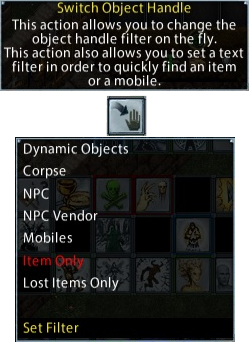
If you input multiple filters (i.e. two words) at the same time, the client will not display any object handles. If you input multiple filters (i.e. two words) at the same time separated by a bar "|", the client will ignore the filter before the bar and filter by the word after the bar.
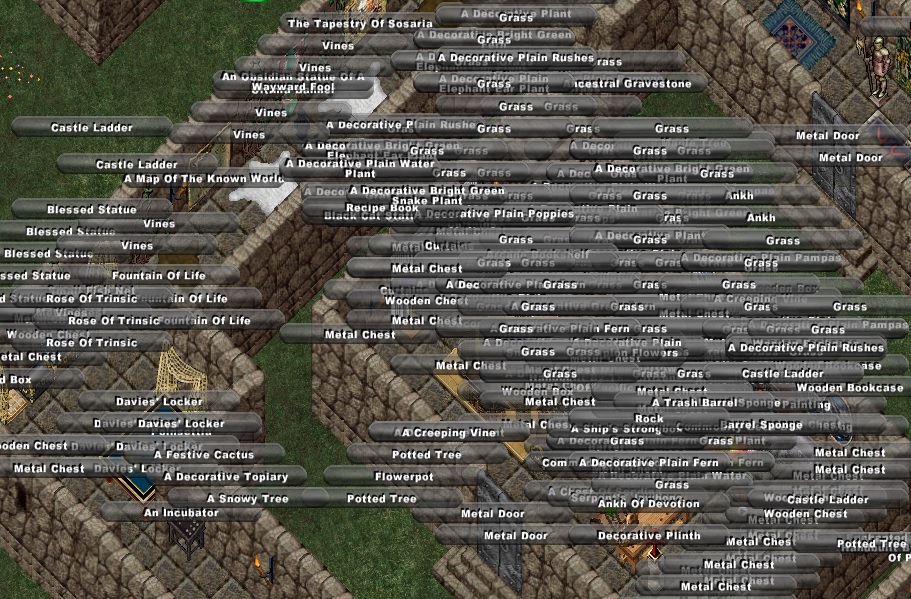
Unfiltered Object Handles
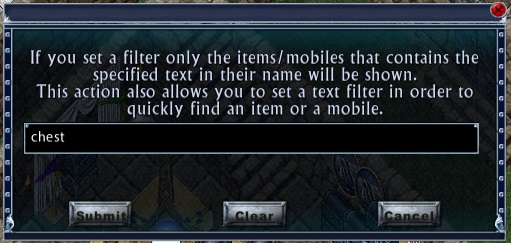
Filter Input "Chest"
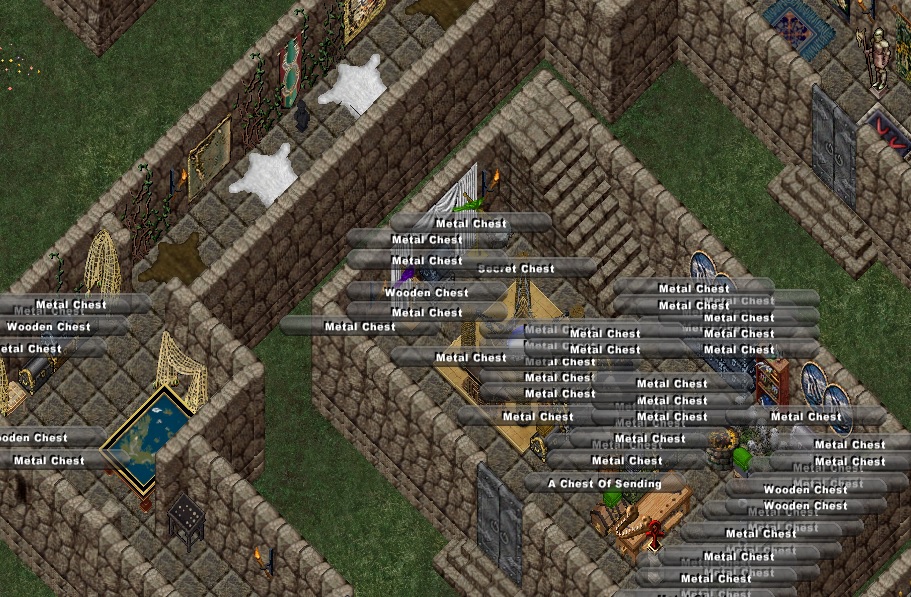
"Chest" Filtered Object Handles
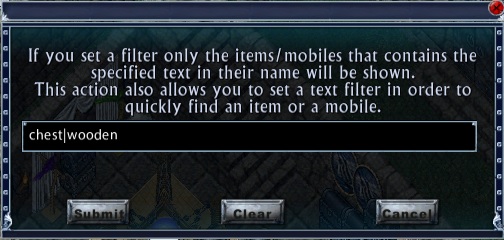
Filter Input "Chest|Wooden"

"Chest|Wooden" Filtered Object Handles
Modified Behavior
This simple single word mod will allow multiple filters (words) to be input at the same time, if each filter (word) is separated by a bar "|".
Unfiltered Object Handles
Filter Input "Chest|Wooden"
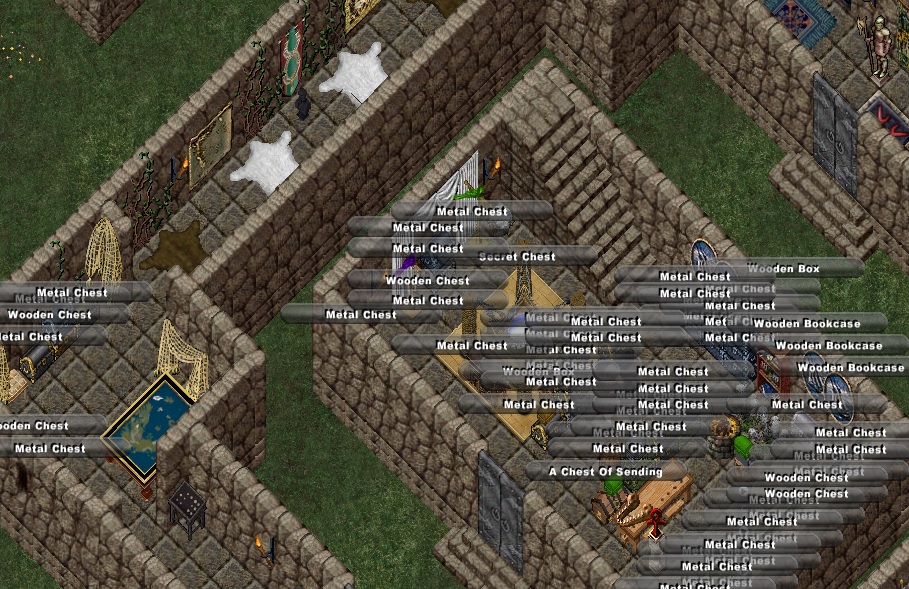
"Chest|Wooden" Filtered Object Handles
To create the mod, open the file ObjectHandle.Lua to function ObjectHandleWindow.CreateObjectHandles() and insert the word "break" on a new line in the specified location.
Default code
if (wstring.find(wstring.lower(name), wstring.lower(cf))) then
 found = true
else
Modified code
if (wstring.find(wstring.lower(name), wstring.lower(cf))) then
 found = true
 break    -- added: allow usage of |, e.g. "virtuebane|lich|human|mage's"
else
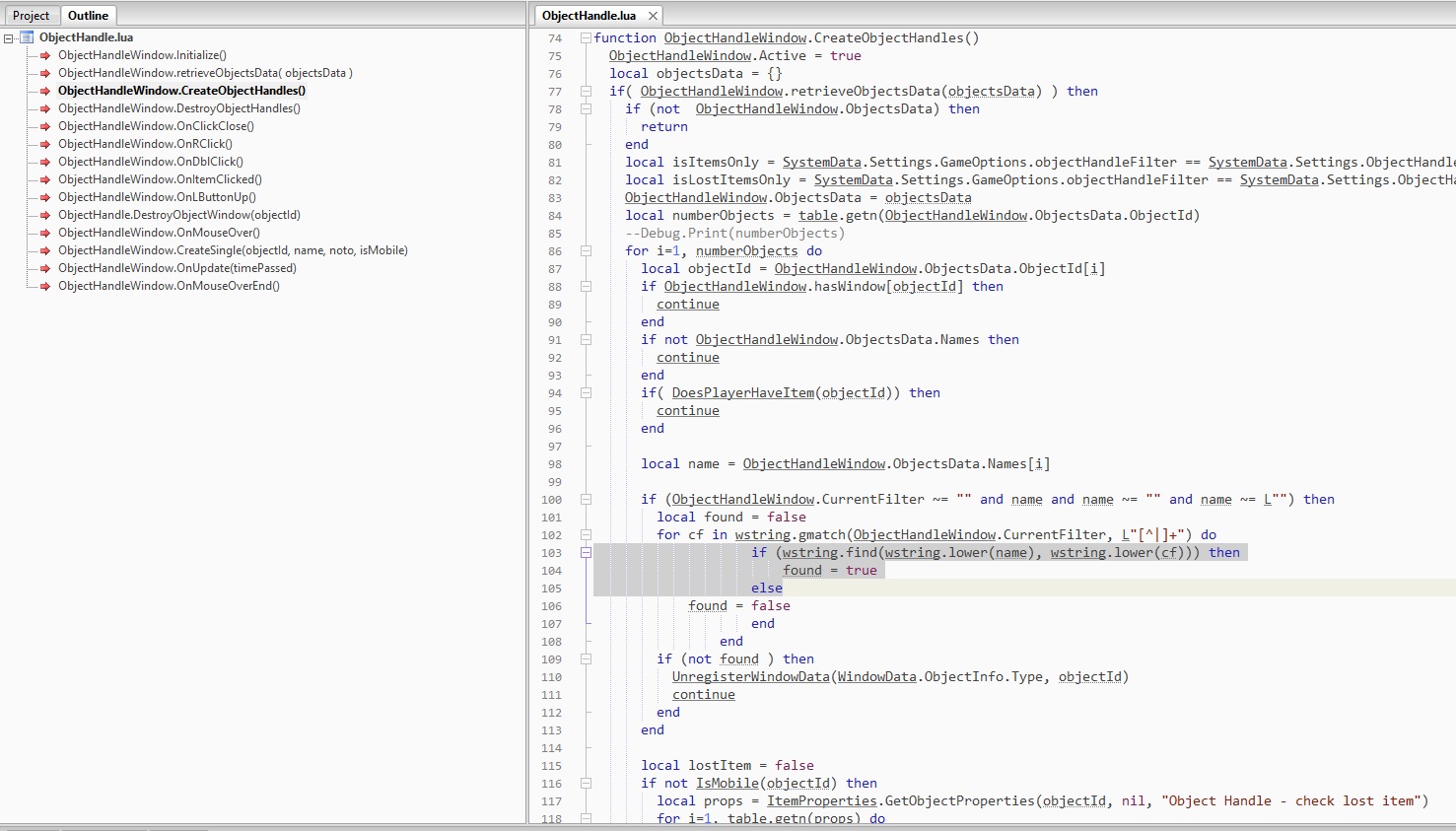
ObjectHandle.lua default
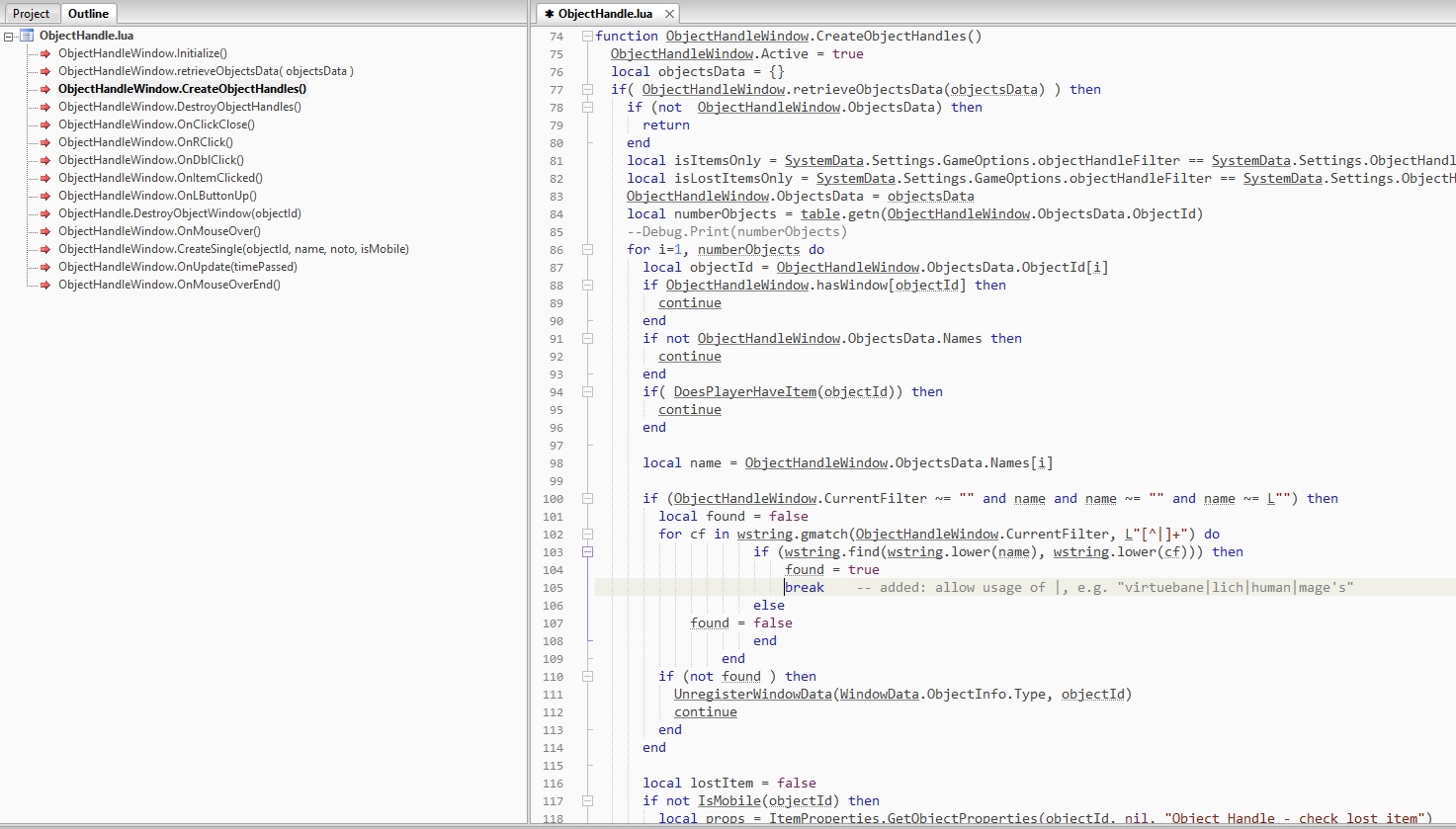
ObjectHandle.lua modified
Remember to save the file and load your custom UI from the login screen.